How to Add Texture Using the Tree & Texture Brush
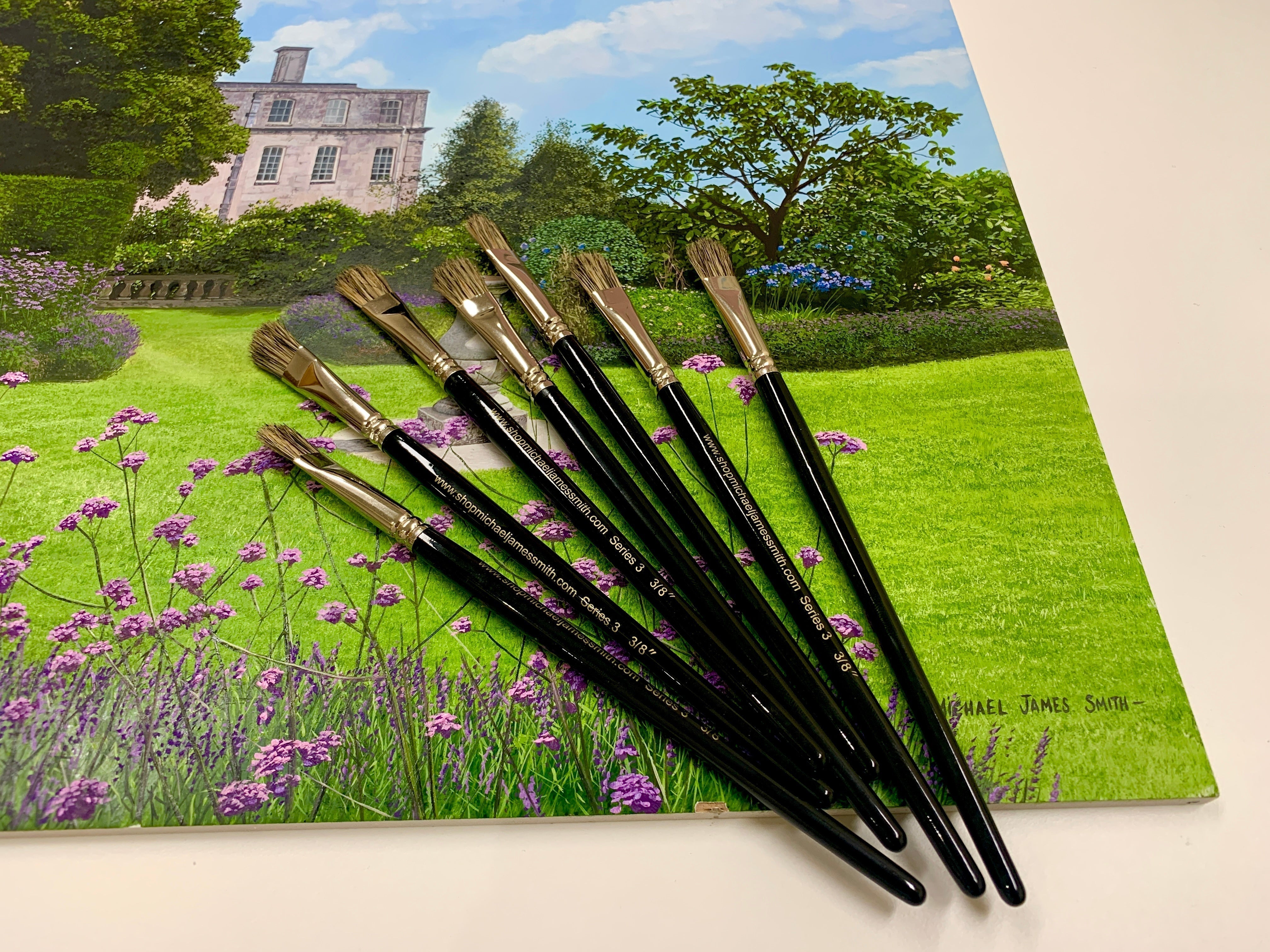
The Series 3 Tree & Texture Brush is one of the most useful brushes in my kit for building natural-looking surface texture. Although it is particularly effective for trees and foliage, I also use it for gravel, paths, stonework and other irregular details.

Start with a simple block-in
Begin by establishing the main colours and values without trying to paint every detail. Once that foundation is ready for the next stage, texture can be introduced gradually over the top.
Building texture
Use a small amount of paint and very little pressure. Gently stippling or tapping the tips of the brush produces irregular marks that can suggest clusters of leaves, gravel, rough stone or broken surface detail.
- For foliage: establish darker masses first, then layer mid-tones and selected highlights.
- For paths and stone: keep the marks irregular and vary their size so the surface does not become patterned.

Layering creates realism
The aim is not to paint every tiny object individually. A textured darker layer beneath selected lighter details creates the impression of complexity and depth while keeping the brushwork efficient.
Technical Exercise: How to Paint Foliage

👉 Shop the Series 3 Tree & Texture Brush
👉 Shop the 3 Piece Tree & Texture Brush Set
Happy painting!